



The Customer Community is where you can ask questions, get information, and share best practices and ideas to foster collaboration.
To make a post, start by clicking here or use the “+ Create Post” button located in the top-right corner of the header to ask a question or start a new conversation.

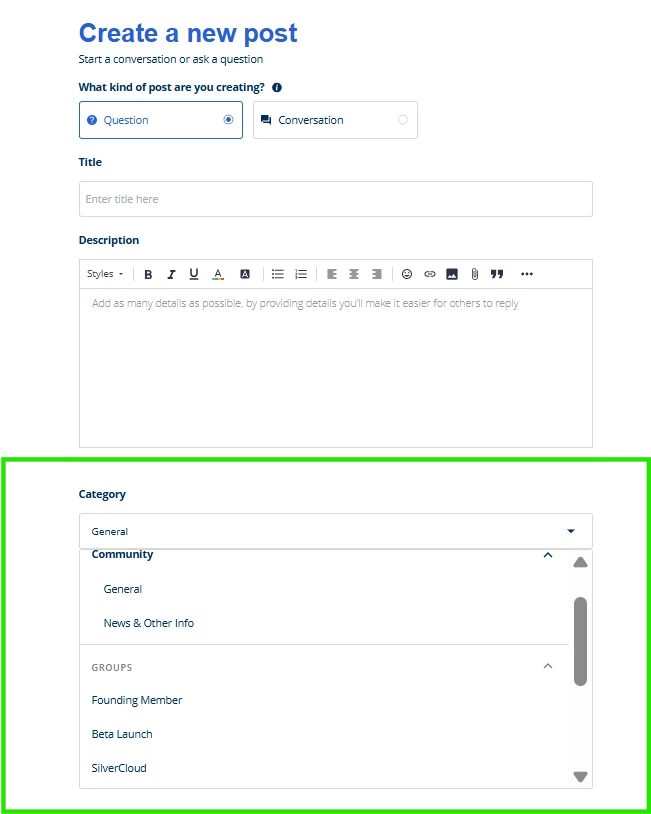
Fill in the fields for your new post accordingly, and make sure to select the appropriate category for your question or conversation by clicking on the “Category” drop-down menu and scrolling through the options.
Specialized topics such as Converge Looker should be categorized under Looker, whereas Amwell-wide questions or conversations should be added under “General”.
Not seeing your category? Make sure you are a member of the relevant group. Groups include:
If you have additional group or category suggestions, please reply to us here or send an email to community@amwell.com with your recommendation, and we’ll consider creating a dedicated community space for it.