Connect with other Amwell users by asking questions or engaging in discussions.
Recently Active
Welcome to the Amwell Customer Community 🎉Welcome to the Amwell Customer Community! If you’re reading this, you recently joined our community, what we like to call the Amwell front door. This quick 30‑day guide will help you get set up, find the resources you need, and make the most of the Community from day one onward. If you ever want to revisit this, search “30‑day guide” in the Community search bar. Day 1: Get set up ✅Go to My profile (click your profile picture) and edit to add your full name, and a profile photo so your colleagues and peers can recognize you. Review your details like your Amwell Products or Account team. Introduce yourself in the Community: tell us who you are, which Amwell products you use, and what you’re hoping to get from the Community. Even a short hello helps us connect you with relevant content and people.First week: Subscribe & explore 🔔Subscribe to Amwell Updates for release notes and maintenance (click the white “Subscribe” button- check out how
Do you have specific topics or questions you'd like us to cover in 2026? We’d love to hear it! Please let us know by replying to this post with your suggestions and questions below.
Our annual End-of-Year (EOY) Freeze is quickly approaching, and we want to ensure you are aware of some important deadlines that may impact requests you may have. This year’s EOY Freeze will start on Friday, December 12, 2025, and extend through Monday, January 5, 2026. All requests should be submitted to your Customer Success Manager no later than Friday, November 17. Support during the Freeze period remains uninterrupted, ensuring all your support needs are continuously met. What is the EOY Freeze?Our technical teams will place a hold, or a “freeze,” on all net new changes or updates to our Amwell products and environments. This does not include correcting or updating defects that may impact patient care Why do we do an EOY Freeze?The EOY Freeze allows our technical teams to complete any end-of-year activities and navigate around end-of-year holidays. Important deadlines for you to note:To best serve you, please submit any requests to your Customer Success Manager no later than Frid
Join the Amwell Customer Community and Win!Join us in the Customer Community and earn entries for a shot at winning a $100 gift card, starting simply with your registration. How to Enter:Register for the Customer Community between October 1st and October 31st, and you'll automatically earn your first entry! Already a member? Great news – you've already got your initial entry!Increase Your Chances: Enhance your opportunity to win with each interaction within the Community:Subscribe to Product Updates = 1 point Join a Group = 1 point Post a new conversation, question, or reply to an existing conversation = 1 pointThe more you engage, the higher your chances!How to Sign Up:Click “Log in or Register” in the upper right corner Select “Create an Account”, fill in your details, and click “Register” Check your inbox for an activation email, then click “Verify account” Accept the “Terms of Use” and select “Save”Details:✅ No purchase is necessary ✅ Winner will be randomly selected on November
The Customer Community is where you can ask questions, get information, and share best practices and ideas to foster collaboration.To make a post, start by clicking here or use the “+ Create Post” button located in the top-right corner of the header to ask a question or start a new conversation. Fill in the fields for your new post accordingly, and make sure to select the appropriate category for your question or conversation by clicking on the “Category” drop-down menu and scrolling through the options.Specialized topics such as Converge Looker should be categorized under Looker, whereas Amwell-wide questions or conversations should be added under “General”.Not seeing your category? Make sure you are a member of the relevant group. Groups include:SilverCloud Home Automated Care Converge Devices HospitalIf you have additional group or category suggestions, please reply to us here or send an email to community@amwell.com with your recommendation, and we’ll consider creating a dedicated
The Amwell Updates section of our Community is your go-to place for the latest product release notes, upcoming maintenances, and other critical product updates we want you to know about. While on the Product Updates page, you can either view all updates or filter them by product to find exactly what you need. 🔔 Stay Informed and Subscribe! 🔔Make sure you never miss an important update by subscribing to Amwell Updates. Here’s how:Head to the Amwell Updates page.Look for the white oval “Subscribe” button located at the top left of the screen. Click the “Subscribe” button.Once subscribed, the button will change to a dark blue oval reading “Subscribed.”By subscribing, you'll receive an email notification every time a new product update is published. Stay ahead and always be informed about the changes that matter to you!
For real-time updates on outages and interruptions, please refer to our partner page statuses. Healthcare Data & Lab ServicesHealth Gorilla- Lab Ordering: Network StatusPayment ProcessingStripe- Patient Payment: Network StatusClaims and Real-time Eligibility Availity- Patient Eligibility: Network Status Change Healthcare- Patient Eligibility and Claims: Network StatusCommunication & CollaborationTwilio-: Video, Voice, Messaging and SMS services: Network StatusClinical Documentation & PrescriptionsDr. First- Prescription Ordering: Network Status Infrastructure & Security ServicesCloudflare: Network StatusBy staying informed through our partner status pages, we can work together to ensure a smoother experience for everyone involved.
In an era where digital healthcare is becoming increasingly paramount, engaging healthcare providers and facilitating scalable telehealth adoption are crucial for effective patient care and streamlined clinical workflows. 📈Leverage Real-Time Reporting with Looker: Utilize Looker to provide real-time reporting and analytics. This ensures providers have access to up-to-date data and insights right at their fingertips. These real-time reports can help identify areas needing attention and track progress, making it easier for providers to manage patient care effectively and efficiently. Need help navigating Looker? Check out our recorded sessions:👇Home Looker: Training Videos Converge Looker: Health System Trainings🔄 Integrate into Regular Workspace and Workflows: Seamlessly integrate telehealth tools into the existing workspace and workflows of your providers. This minimizes disruptions and helps them stick to their usual routines while adopting new technologies. Whether it's integratin
Your experience with Amwell just got easier to navigate. Explore the tools below to get the most out of your Amwell experience. 1. Community Registration: Join the Conversation Not registered yet? Let’s fix that! Discover how to access the Amwell Community where you can explore release notes, ask questions, and connect with fellow users. 👉 Have You Registered Yet? Your Community Awaits 2. Ask Questions, Get Answers: Join a user group!Join one of our product specific user groups here in the Amwell Customer Community to troubleshoot and share insights with your peers!👉 Connect with your peers - join a group today! 3. Subscribe to our Application Updates for real-time alerts!The Application Updates section of our Community is your go-to place for the latest application duct release notes, upcoming maintenances, and other critical product updates we want you to know about. 👉 Stay Informed with Application Updates! 4. Customer Support Portal: How-To Guide Learn how to create and man
You’re Officially Invited… but now you need to RSVP!Make sure to register and login to the Amwell Customer Community to unlock all that we offer! What’s inside?Application Release Notes: Stay informed with access to the latest Application Updates. Support: Submit and monitor Support Cases with our Customer Support. Grow with us: Sign-up for events and other trainings, designed to help you maximize the value of the Amwell platform. Engagement Hub: Access the marketing solutions designed specifically for you. Join Our Groups: Ask questions, get information, and share best practices and ideas to foster collaboration. Converge SilverCloud Automated Care Home Hospital Devices How to Sign UpIt’s easy and takes less than a minute! (Seriously. 60 seconds. Maybe 45 if you’re fast.)Click “Log in or Register” in the upper right corner Select “Create an Account”, fill in your details, and click “Register” Check your inbox for an activation email, then click “Verify account” Accept the “
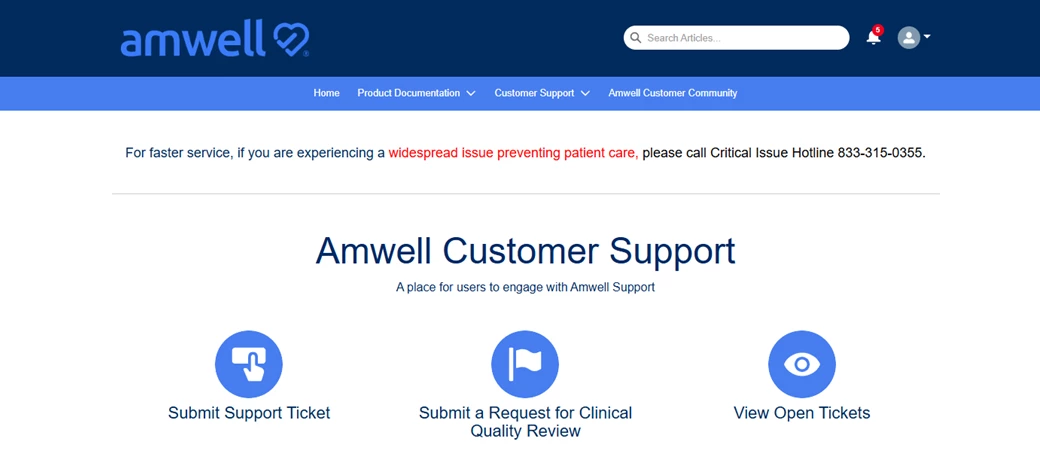
The Amwell Customer Support Portal is your direct line to technical assistance when something isn’t working as expected. Whether you're having trouble with the system sending invitations, experiencing scheduling issues, or need help with a device, the portal is the fastest and most efficient way to get support. Use the portal to: Submit support cases: Provide the required details to help our team investigate. Upload supporting files: Attach screenshots or documents related to the issue. Track your case status in real time: Follow progress using the Case Tracker. You can also refer to 'How to View Your Closed Cases'. Communicate directly with Support: Request updates and view resolutions. Review Product Documentation: Access step-by-step guides, release notes, and best practice articles to troubleshoot issues or learn about new features before submitting a case. Using the structured intake form ensures your request is routed to the right team with the right context - elimin
Interested in connecting with targeted Amwell customers on specific topics?Our product groups are your go-to space for sharing insights, asking questions, and exchanging feedback about product utilization. Please use the links below to join the group for your products. Please note: by clicking these links you are automatically enrolled in the group and will receive email notifications for new posts in the group.Groups include:SilverCloud Home Automated Care Converge Devices HospitalDon’t see a specific topic you’re interested in? Send an email to community@amwell.com with your recommendation for a new group, and we’ll consider creating a dedicated community space for it.
As of Tuesday, May 13, access to the Engagement Hub will be available exclusively through the Amwell Customer Community. The Engagement Hub is your all-in-one resource for curated marketing assets designed to help you effectively reach your target audience while marketing Amwell's solutions. Seamlessly accessibly through Amwell's Customer Community, the Engagement Hub will allow you to:Access a variety digital and print assets including emails, posters, direct mailers, flyers, website copy and more Customize and download assets to maintain your brand identity Filter by audience to create targeted messaging Generate QR codes with access to scan metrics Identify featured assets that have been most successful in the marketplaceTo get the most out of the Engagement Hub, please be sure to reference the Quick Start Guide & FAQ and this Office Hours Training Video resource with instructions on how to login and leverage the tool.If you do not have permission to access the Engagement Hub, a
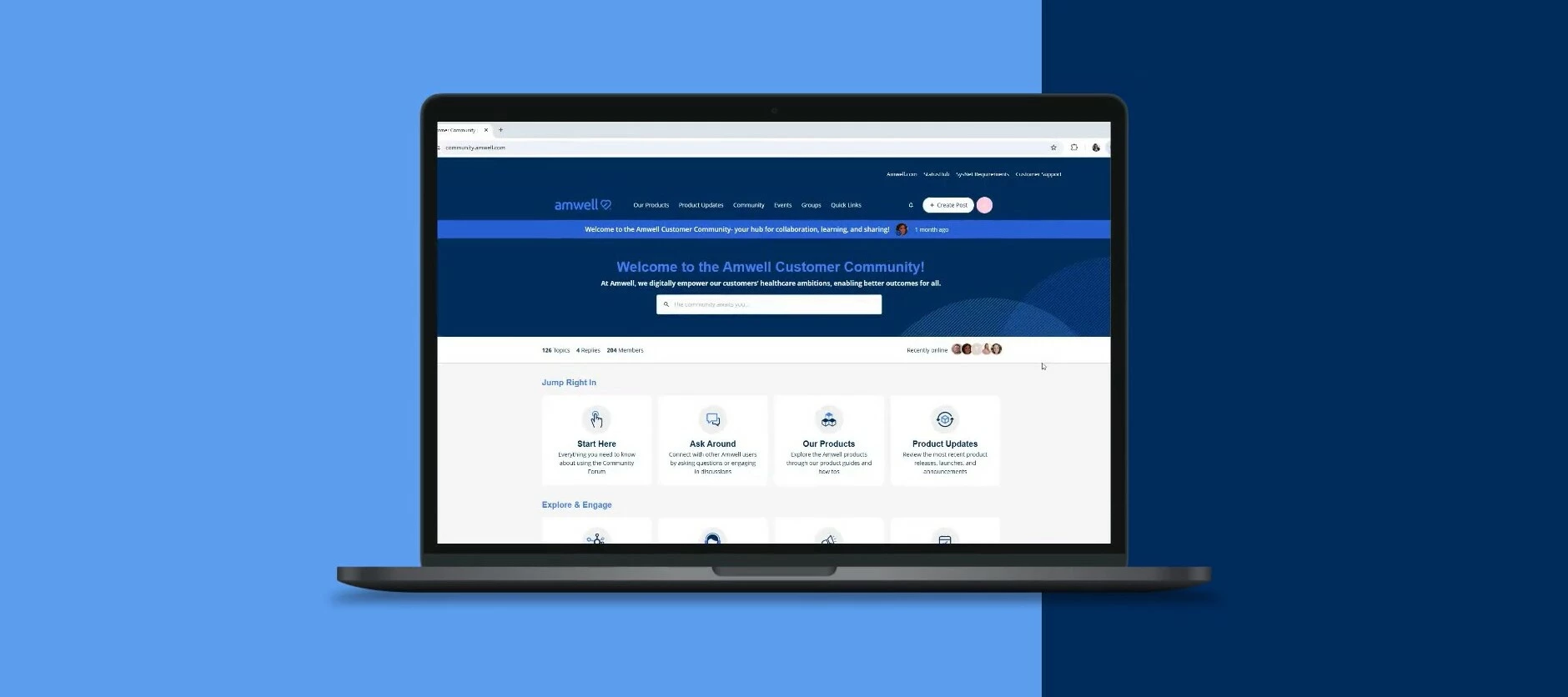
Welcome to your OFFICIALLY LAUNCHED Amwell Customer Community!The Amwell Customer Community is your hub for collaboration, learning, and sharing with other Amwell customers and experts. It centralizes resources you’ve previously accessed via separate URLs and locations such as StatusHub, the Customer Support Portal, the System & Network Requirements, the Support Hosting & Operations Guide, the Engagement Hub, and product documentation.With the Community you can:Connect with peers: Share best practices and ideas to foster collaboration. Stay informed: Review product release notes, data dictionaries, and other product documentation. Grow with us: Sign-up for events designed to help you maximize the value of the Amwell platform. Shape the future: Provide feedback to help shape the future of the Amwell platform.We're excited to have you here! Sign up to join us on April 8 at 10 a.m. ET for an official tour of the Community, where we’ll highlight key features and show you how to ma
StatusHub is Amwell’s central dashboard for tracking planned and unplanned service impairments for Converge, Hospital, and Automated Care customers. StatusHub is publicly accessible and can be viewed by navigating to https://status.amwell.com. Customers may also subscribe to receive notifications via email and/or text for scheduled maintenance or system impacts. Subscribe to Notifications in StatusHub Go to StatusHub: Navigate to https://status.amwell.com. Select ‘Subscribe’: Click on the ‘Subscribe’ button located in the top banner bar. Choose Subscription Method: Select your preferred method of receiving notifications (phone, email, etc.).Contact Information: Enter your contact details. For example, if you choose to receive SMS updates, enter your phone number. Agree to the terms and conditions by selecting the checkbox. Click ‘Next’ to continue. Select Components or Services: Choose the specific components or services you wish to receive updates on. Minimize Notifications (Opt
You’ve made it! We’re excited to have you participate in this founding member launch. Next Steps:Navigate to the Groups page Join the private “Founding Member” user group. This is where you can leave feedback about your experience and how we can enhance the community. Thank you for your participation and feedback as we work to enrich the community!
Amwell System Status
Already have an account? Login
Enter your E-mail address. We'll send you an e-mail with instructions to reset your password.